No account. Works offline.

Every watch, properly documented.

Catalog photos, value, wear, service, documents, and timing notes. Lugs is local-first, works offline, and starts without an account.

Free to use. Your collection stays on your device by default.

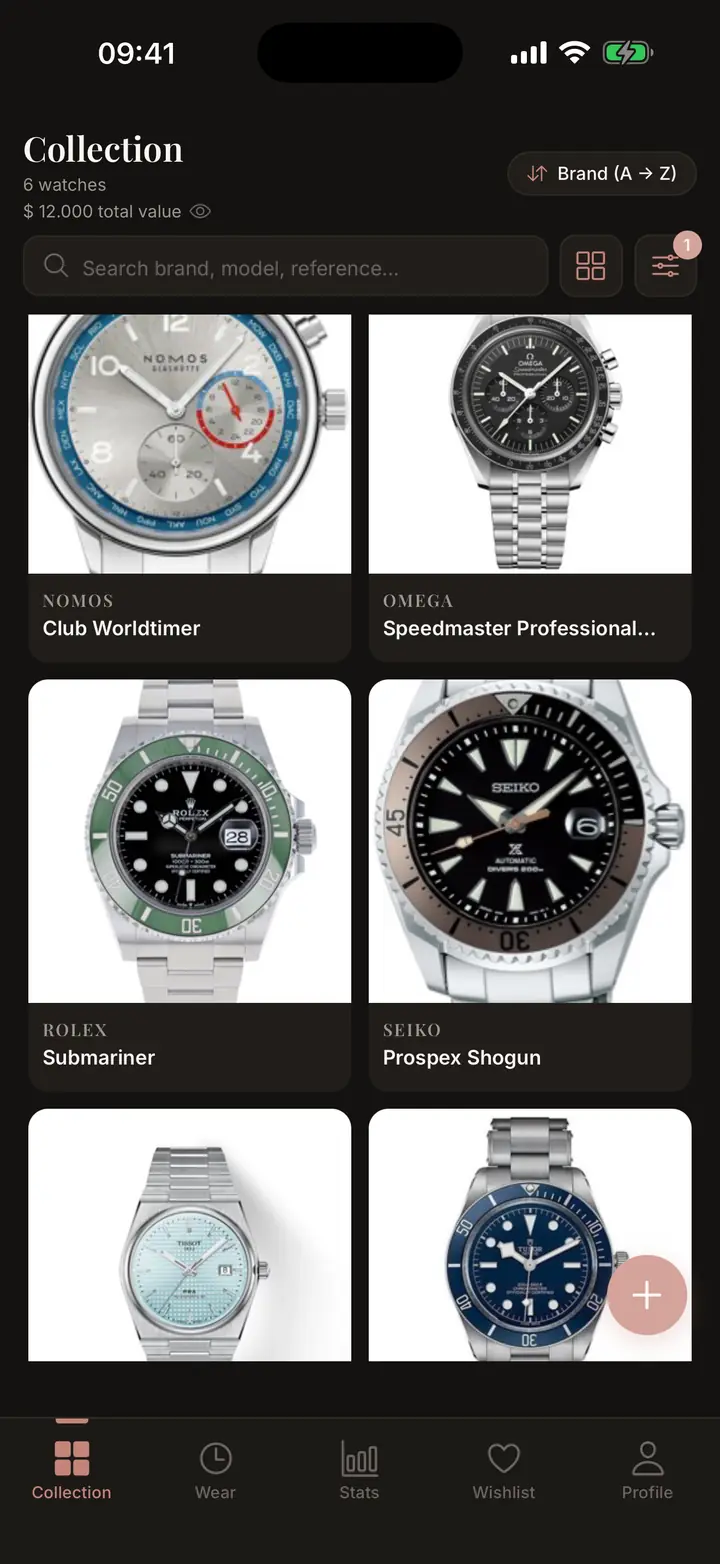
Lugs collection grid showing saved watches and collection value
Accounts None required
Connection Offline ready
Your data Export anytime
Local Offline by default
PDF Insurance export
0 Accounts required
Collection system

A complete record for every watch.

Build a private record for each watch, then keep wear, service, value, documents, wishlist notes, timing checks, and exports in one place.

Collection

See the whole collection at a glance.

Keep each watch searchable with brand, model, reference, condition, photos, purchase details, value, and notes.

  • Grid and list views for quick scanning
  • Photo categories for dial, caseback, wrist, and documents
  • Search and filters for growing collections
Lugs collection screen showing watch cards and total collection value
Timing notes

Keep timing notes with the watch.

Record rate checks and notes over time, so one unusual reading does not become the whole story.

  • Daily rate readings and notes
  • Dated history for each watch
  • Context before the next service
Lugs timing notes screen showing daily rate history
Value

Keep value and insurance records ready.

Track purchase price, current value, gains, losses, and export a clean insurance PDF when documentation matters.

  • Purchase and current value tracking
  • Gain and loss context
  • Insurance PDF export stays free
Lugs value screen showing current value and gain or loss
Wear and service

Remember what gets wrist time.

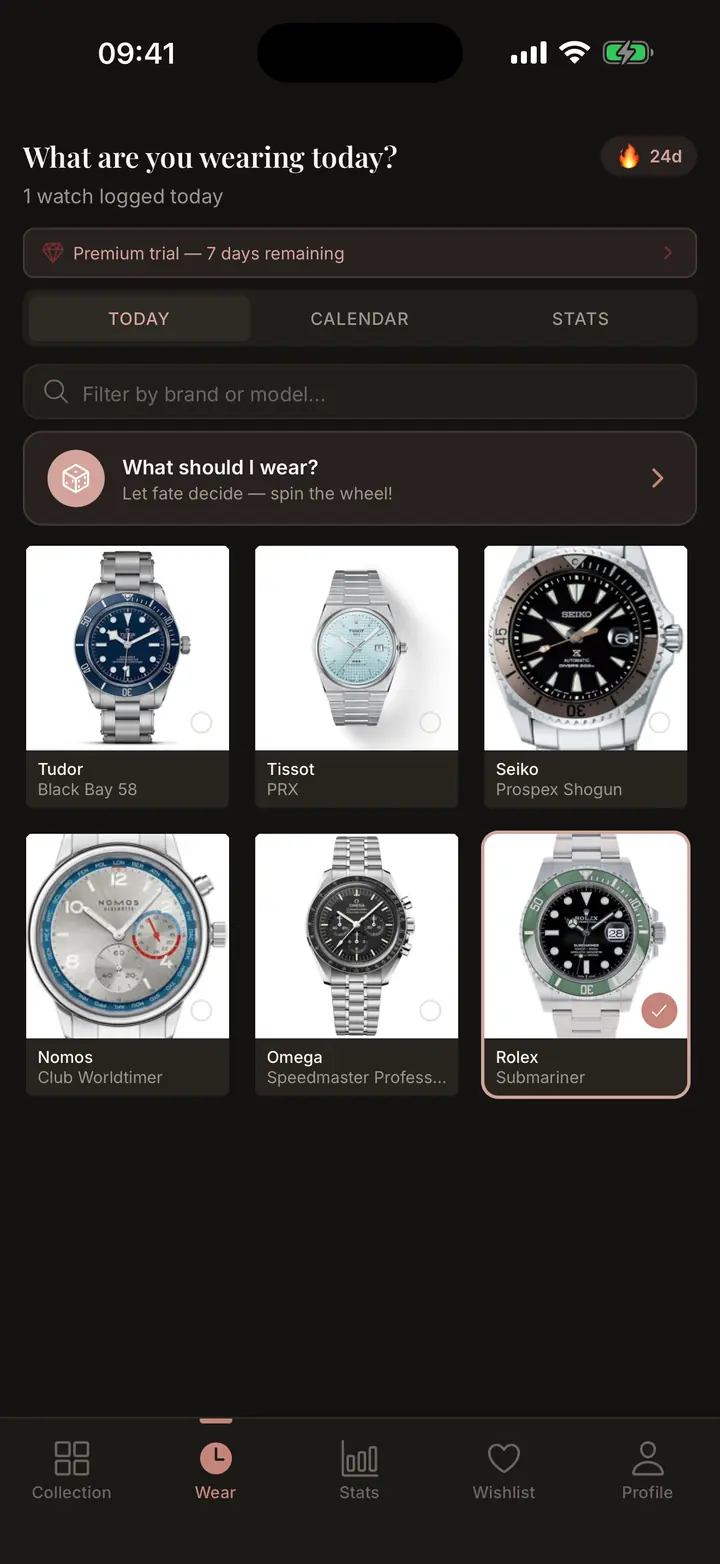
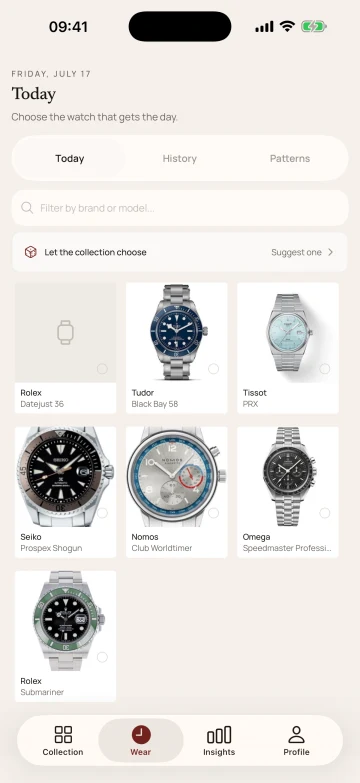
Log wear days, preserve streak history, and keep maintenance records close to the watch they belong to.

  • Wear diary and calendar views
  • Service history with cost and provider notes
  • Reminders for future maintenance
Lugs service screen showing watch maintenance records

Wishlist

Keep future watches separate from the pieces already in your collection.

Optional cloud backup

Turn on Lugs+ when you want backup and restore. Leave it off when you do not.

Full export

Export your records to JSON or CSV so the collection never feels locked in.

Inside the app

Real screens, not a promise.

Collection grid in Lugs

Collection

Wear tracking screen in Lugs

Wear tracking

Value tracking screen in Lugs

Value

Timing notes screen in Lugs

Timing

Service history screen in Lugs

Service

Wishlist screen in Lugs

Wishlist

Privacy first

Private by default. Useful without an account.

Lugs starts locally and does not ask for an email, password, or profile. Optional cloud backup exists for backup and restore.

Local by default

Your collection lives on your device first, and core features work offline.

Cloud is optional

Use Lugs+ cloud backup and restore for backup and recovery. It is not required to use the app.

No ads

Lugs makes money from premium features, not from selling collection data.

Exportable

Your records can leave with you as JSON or CSV whenever you need them.

Questions

What collectors ask first.

Is Lugs free?
Yes. Lugs is free for up to 5 watches and 3 months of wear history. Pro unlocks unlimited watches, full history, and advanced features. Lugs+ adds backup and restore. Insurance PDF export is free.
Do I need to create an account?
No. Download and start using Lugs immediately. No account, email, or password required. There is no signup process or login screen.
Where is my data stored?
Your collection is stored locally on your device by default. Optional Lugs+ cloud backup and restore uses your app-store purchase entitlement and an anonymous backup session. When enabled, collection data and photos are hosted in the EU.
Does it work offline?
Yes. Lugs was designed offline-first. Add watches, log timing notes, manage service records, and generate exports without an internet connection.
How many watches can I add?
The free tier supports up to 5 watches. Pro unlocks unlimited watches and full history.
Can I add any watch brand?
Yes. Lugs supports any watch you own. Enter the brand, model, reference, and details yourself.
Is Lugs on iOS and Android?
Yes. Lugs is available on both iOS and Android.
Can I share my collection?
You can share individual watches with composed share cards. Your full collection stays private unless you choose to export or share it.
What happens if I lose my phone?
With Lugs+ cloud backup enabled, your cloud backup can help restore your collection. Without Lugs+ cloud backup, regular data exports are the backup path.
Why not just use a spreadsheet?
A spreadsheet can list watches. Lugs also keeps photos, wear history, service records, value, insurance PDFs, timing notes, and exportable data in a phone-native format.
Download Lugs

Start documenting your collection.

No account needed. Free to start. Your collection stays on your device by default.